Yes, you can edit a PDF online without creating an account
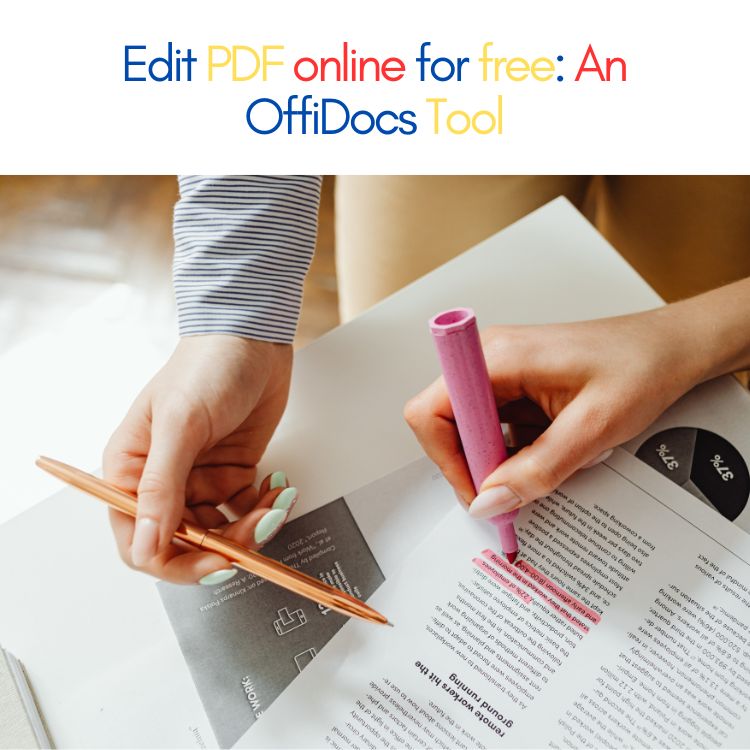
If you’ve ever needed to quickly update a PDF, you’ve probably asked the same question: Can I edit a PDF online without creating an account? The good news is yes — it is possible.
Many online tools allow you to open and edit a PDF directly in your browser, without installing software and without going through a registration process. One of the easiest options is using OffiDocs, which provides browser-based document tools designed for quick editing.
OffiDocs makes PDF editing simple because everything happens online. You can upload a PDF, make changes, and download it again without needing advanced technical skills.
Why people want to avoid creating an account
There are several reasons users prefer editing PDFs without signing up:
- They only need a quick edit once
- They don’t want to share personal information
- They are using a public or shared computer
- They don’t want to remember another password
- They need something fast, not a long setup process
This is exactly the type of situation where a browser-based editor like OffiDocs becomes useful.
What can you do with OffiDocs when editing a PDF online?
Using OffiDocs as a PDF editor online, you can complete many common tasks, including:
- Add or edit text
- Highlight or underline important sections
- Annotate a PDF with notes or comments
- Fill out forms
- Insert images
- Add a signature
- Remove or reorder pages
These features cover the majority of everyday PDF editing needs for work, school, or personal use.
How to edit a PDF online without an account (simple steps)
Here is a quick step-by-step guide:
- Open OffiDocs in your browser
- Upload your PDF file
- Make the edits you need
- Save or download your updated PDF
That’s it. No installation required, and no complicated process.
Is it safe to edit PDFs online?
Editing PDFs online can be safe if you use a trusted platform.
To stay protected:
- Use reliable tools like OffiDocs
- Avoid uploading highly sensitive documents to unknown websites
- Always check that the website uses HTTPS
- Download your edited file once finished
For users who want extra organization and safe file management, storing documents in cloud platforms can help.
Where should I store my PDFs after editing them?
If you’re working with PDFs regularly, having a reliable cloud storage solution makes everything easier.
MegaDisk is a safe online alternative for storing and organizing PDF files. It allows you to upload documents, keep them accessible from multiple devices, and manage files securely online.
Many users combine:
This creates a clean workflow for handling documents without filling your computer with downloads.
Frequently Asked Questions
Can I edit a PDF online for free without signing up?
Yes. With tools like OffiDocs, you can edit PDFs online without needing to create an account.
Do I need to install anything?
No. OffiDocs works directly in your browser, so you do not need to download software.
Can I use it on mobile?
Yes. Most browser-based PDF editors, including OffiDocs, can be accessed from mobile devices.
Final Answer
Yes, you can edit a PDF online without creating an account. OffiDocs makes it easy to upload a PDF, edit it directly in your browser, and download it again in minutes. If you want a secure way to store your documents afterward, MegaDisk is a useful cloud storage option for keeping your files organized and accessible online.
If you want to explore more online tools for editing PDFs and documents, GoSearch is a helpful way to find updated comparisons, tutorials, and recommendations. You can quickly search terms like “free PDF online editor,” “edit PDF without account,” or “best document editor for Chromebook” to discover the best options available and choose the workflow that fits your needs.