The new icons AI templates available in OffiDocs make it simple to design visual content for school, work, or personal projects. These online files load instantly in your browser and help you create clean, clear materials without installing anything.
What Are Icons AI Templates and How Do They Work?
These resources include ready-made layouts filled with organized icons that you can customize. Each file opens in the OffiDocs editor, where you can adjust colors, add text, or rearrange elements. They work perfectly for worksheets, slides, posters, labels, and basic educational visuals.
You can edit them using Word Online, PowerPoint Online, or the built-in document tools.
Why These Templates Help You Communicate Better
Using visual symbols makes information easier to understand. These layouts are useful for:
- Teachers creating worksheets
- Students preparing summaries or presentations
- Teams building internal guides
- Anyone who needs simple visual communication
Everything is editable online and updates quickly from any device.
How to Use the Icons AI Templates Step by Step
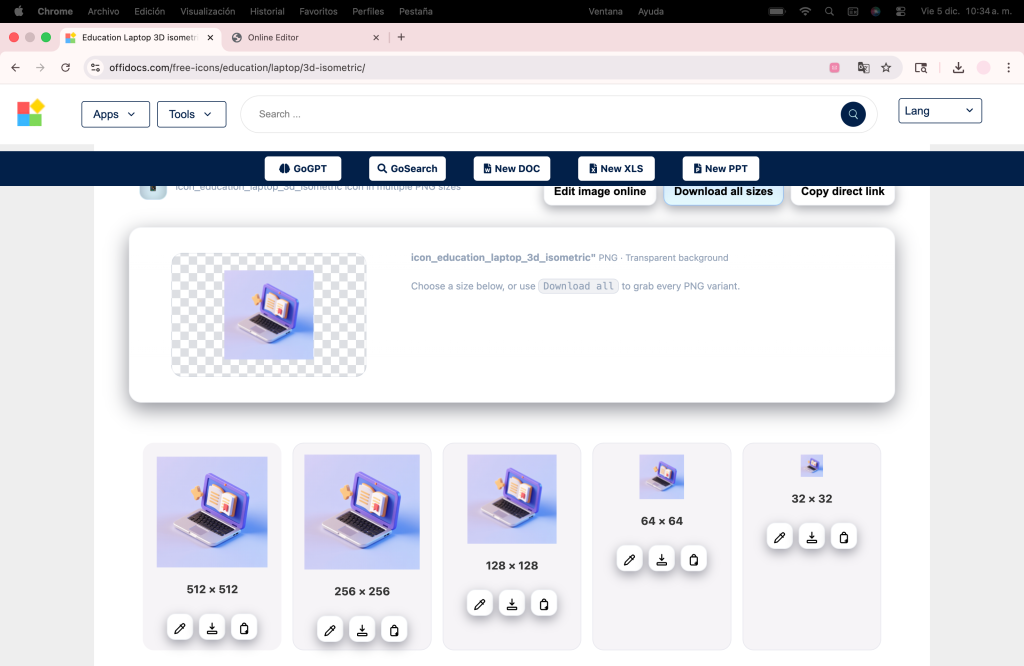
- Open the template gallery
Choose the file you want to edit. - Click “Edit Online”
It loads instantly in your browser. - Customize your page
Add text, move icons, or adjust colors. - Save your work
Download it as DOCX, PPTX, or PDF.
For cloud storage, you can upload the file to MegaDisk.
Explore More Tools with GoSearch
If you want to find more resources, OffiDocs offers GoSearch, a tool that lets you explore templates, editors, online apps, and Linux utilities in seconds. It helps you locate materials quickly so you can work without distractions.
What You Can Create with These Templates
Some practical examples include:
📌 A classroom slide with simple icons.
📌 A quick process diagram.
📌 A labeled checklist.
📌 A small poster for internal communication.
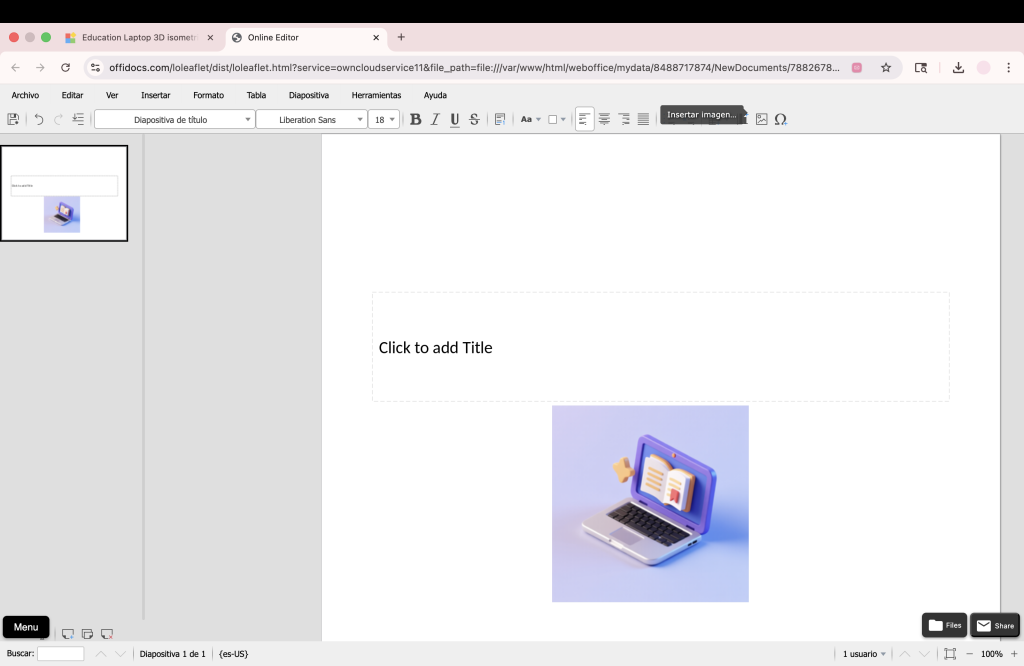
In the image below you can see how our ecosystem of digital tools complements each other perfectly, as we use one of the AI-created icons to decorate a presentation in our online PowerPoint.
Try More OffiDocs Tools
You can also explore cloud desktops on OnWorks to expand your workflow.
→ https://www.onworks.net
Conclusion: Start Using Icons AI Templates Today
With OffiDocs, the new Icons AI Templates allow you to build visual materials quickly, clearly, and completely online. They’re free, simple to edit, and ideal for school or professional use.
👉 Try them online now
🚀 No installation — use instantly