

DDBeyond Print Enhancer in Chrome with OffiDocs
Ad
DESCRIPTION
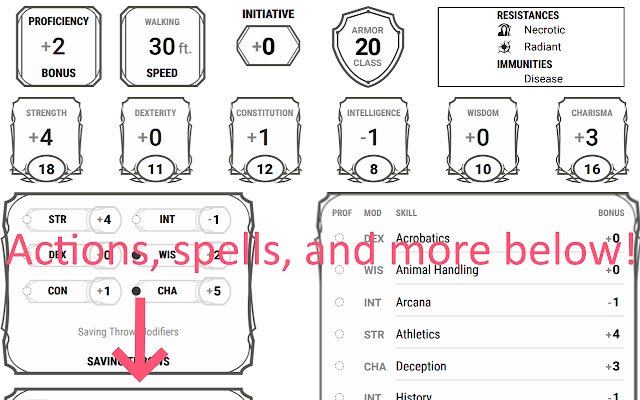
Improves D&D Beyond's character sheet printing.
Produces a print-out with full (not truncated) actions, spells, equipment, etc.
Instructions for use: 1. View your character sheet.
2. Resize your window so that you have two columns of boxes on the main view.
3. Click the D&D Beyond Print Enhancer button on your browser toolbar.
4. Open the print dialog (ctrl+p/cmd+p).
5. Print settings: - Color: Probably black and white.
- Margins: minimum.
- Scale: Default, unless you want to cram more on a page.
- Headers and footers: deselect.
- Background graphics: select.
6. Review the print preview.
7. Print!
Additional Information:
- Offered by Adam Pritchard
- Average rating : 5 stars (loved it)
- Developer This email address is being protected from spambots. You need JavaScript enabled to view it.
DDBeyond Print Enhancer web extension integrated with the OffiDocs Chromium online


