

Bookmarklet URL in Chrome with OffiDocs

Ad
DESCRIPTION
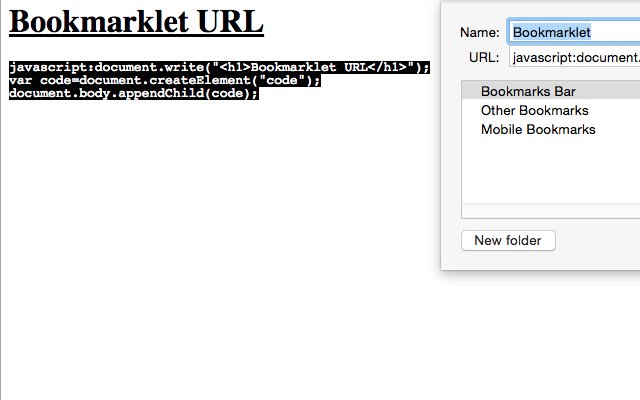
Pass "bmlet={bookmarklet_title}" or "bmlet={javascript:.
.
.
}" on URLs to hint bookmarklets when a Tab is loaded or refreshed Hint a stored bookmarklet 1. Setup bookmarklet title and URL 2. Hint a bookmarklet with similar URL: http://your.
web.
app.
com/?bmlet=Bookmarklet Hint a bookmarklet is present as query parameter 1. Pass html + uri encoded bookmarklet https://www.
google.
com/?bmlet=javascript%3Adocument.
write(%26%2339%3B%26lt%3Bh1%26gt%3BThank%20you%20for%20downloading%26lt%3B%2Fh1%26gt%3B%26%2339%3B)%3B Sometimes a bookmarklet may refresh the page or take you to a different destination, you may use "bmlet" and "bmlet-2" parameters to perform multiple actions.
Hint a bookmarklet sequence like so: http://your.
web.
app.
com/?bmlet=RedirectPage&bmlet-2=ColorBackgroundYellow Troubleshooting? View the options page on the chrome://extensions for a brief history of hinted bookmarklets
Additional Information:
- Offered by jg
- Average rating : 0 stars (hated it)
Bookmarklet URL web extension integrated with the OffiDocs Chromium online


