

Netflix Tweaks in Chrome with OffiDocs

Ad
DESCRIPTION
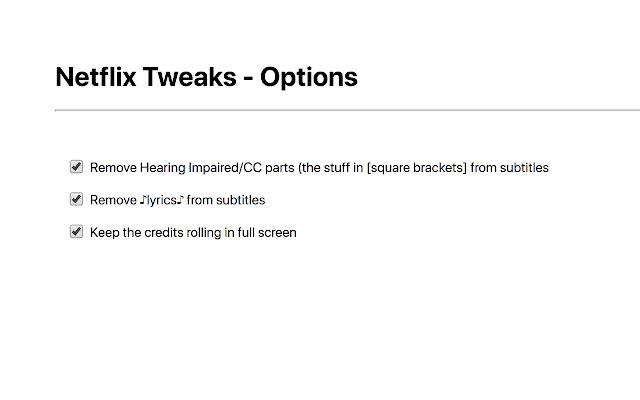
Netflix Tweaks - Remove Hearing Impaired/CC parts (the stuff in [square brackets] from subtitles - Remove ♪lyrics♪ from subtitles - Keep the credits rolling in full screen Options: You can individually enable/disable the tweaks.
To access the options, either open this URL in chrome: chrome-extension://bdfekokoflbjbmdbpidnaechcechkbbg/options.
html or go to Chrome Menu → More Tools → Extensions → Netflix Tweaks → Button 'Details' → Extension Options Source code on Github: https://github.
com/bernhardc/netflix-tweaks
Additional Information:
- Offered by Bernhard Caspar
- Average rating : 5 stars (loved it)
Netflix Tweaks web extension integrated with the OffiDocs Chromium online


