

Stay Secure Online in Chrome with OffiDocs

Ad
DESCRIPTION
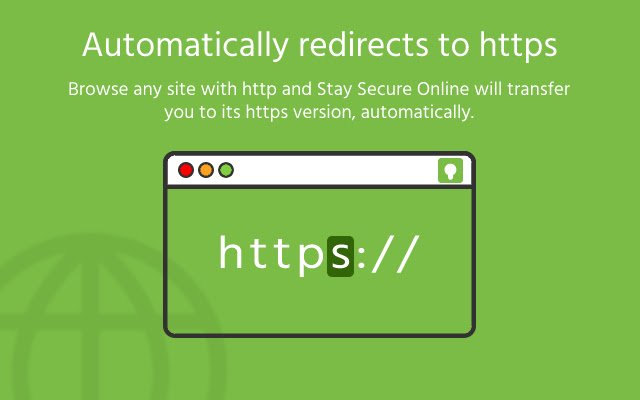
Overview: Sometimes Website owners implement security certificates of their websites but miss to auto-redirect to a secure website.
SSO bridges this gap and forces the browser to redirect to a secure site, automatically.
Features: 1. Redirects to secure site automatically 2. Allows to add trusted websites in Whitelist 3. Shows warning message on insecure website Permissions: 1. Host & Tabs permissions are needed to read website address, redirect to secure site, show message on any website 2. Local storage permission is needed to store a Whitelisted website address in your chrome browser Data sharing disclaimer: 1. Data is store on your local storage 2. We do not store or share any data on remote servers or third parties
Additional Information:
- Offered by vinoddanekar.blogspot.com
- Average rating : 0 stars (hated it)
- Developer This email address is being protected from spambots. You need JavaScript enabled to view it.
Stay Secure Online web extension integrated with the OffiDocs Chromium online


