

Notifications for Teleparty in Chrome with OffiDocs

Ad
DESCRIPTION
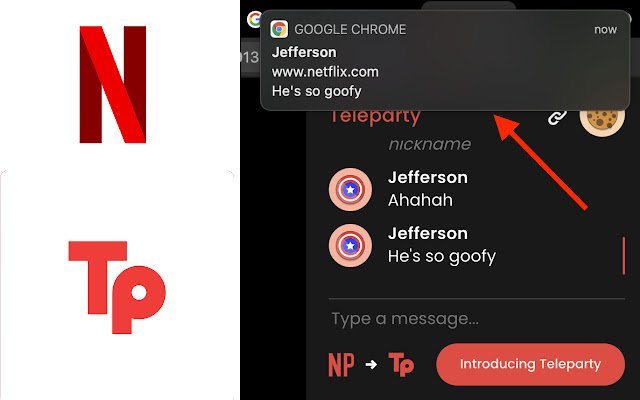
Plays a sound and displays a notification in the top right of your screen whenever a new message is posted in the Teleparty chat.
This requires the Teleparty extension to be installed separately.
*Important* You must allow Notifications for Netflix.
com in order for this extension to work.
To do this, go into Chrome Settings > Privacy and security > Site Settings > Notifications > Click Add next to Allow > Type in "https://redirect.
teleparty.
com:443"
Additional Information:
- Offered by DFProductivity
- Average rating : 0 stars (hated it)
- Developer This email address is being protected from spambots. You need JavaScript enabled to view it.
Notifications for Teleparty web extension integrated with the OffiDocs Chromium online


