

UWorld Select Anki in Chrome with OffiDocs

Ad
DESCRIPTION
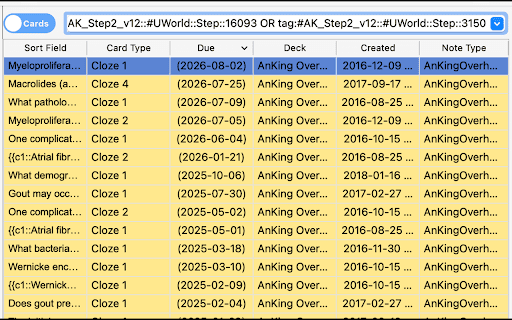
Convert UWorld question IDs from a webpage into Anki search queries.
This extension converts UWorld question IDs into Anki search queries specifically for Step 2 content. It can copy queries to the clipboard to be pasted into the anki search bar, or connect directly to Anki using the AnkiConnect add-on.
Requirements:
- AnkiConnect add-on must be installed and running in Anki.
- Update AnkiConnect’s settings to allow communication from the UWorld website.
Configuration:
1. Open Anki and go to Tools > Add-ons > AnkiConnect > Config
2. Modify the "webCorsOriginList" to include:
"webCorsOriginList": [
"http://localhost",
"https://apps.uworld.com"
]
Note:
- Only works for step 2
UWorld Select Anki web extension integrated with the OffiDocs Chromium online


