

Homegrid in Chrome with OffiDocs

Ad
DESCRIPTION
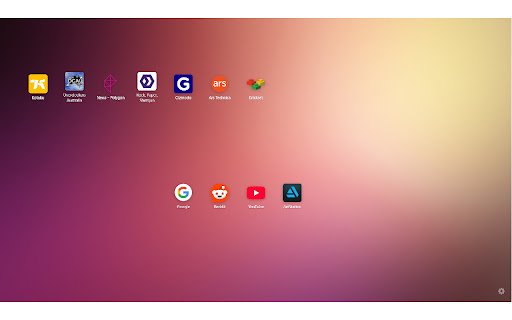
Replaces the new tab page with a customizable grid of shortcuts.
A minimalist extension that replaces the default new tab page with a customizable grid of shortcuts. Add as many of your favourite web apps and websites as you want, for easy access at any time.
To add a new shortcut, click the "+" button. To edit or delete an existing shortcut, right click and select from the menu. To organize and reorder, simply click and drag the icon and drop over another icon.
When creating a shortcut, you can define a custom icon image (PNGs with transparent backgrounds work best), or the website favicon will be used.
A simple settings panel lets you switch between light and dark mode, reset settings, and import/export settings.
All shortcuts and settings are stored locally and are not stored off-device. You can export or backup your settings into a downloadable JSON file, and import these settings on another device.
Note: The web address and search bar remains in focus on new tab pages, for convenience.
Homegrid web extension integrated with the OffiDocs Chromium online


