

Open in CyberChef (updated) in Chrome with OffiDocs

Ad
DESCRIPTION
Adds an open selected text in CyberChef option to the right-click context menu
An extension to send selected text to CyberChef. Fork of https://chromewebstore.google.com/detail/open-in-cyberchef/aandeoaihmciockajcgadkgknejppjdl
Updated to fix issue with multiline text selection (https://crbug.com/116429), so that it correctly sends multiline text to CyberChef. The line endings may still be different depending on the host OS where Chrome is running.
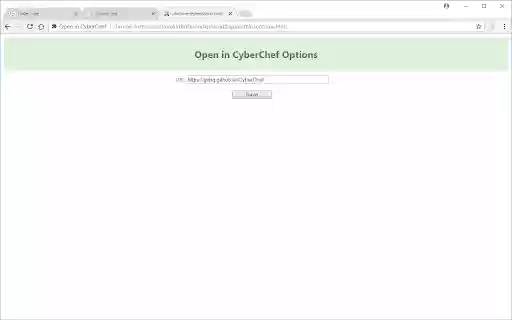
It includes the option of what URL to use for CyberChef, using the default official instance https://gchq.github.io/CyberChef/. A local instance of CyberChef can be specified using the format `file:///C:/Users/Test/Downloads/cyberchef.htm`.
Buy Me a Covfefe: https://buymeacoffee.com/RSyYAsQcHV
Open in CyberChef (updated) web extension integrated with the OffiDocs Chromium online


