

Supersearch in Chrome with OffiDocs

Ad
DESCRIPTION
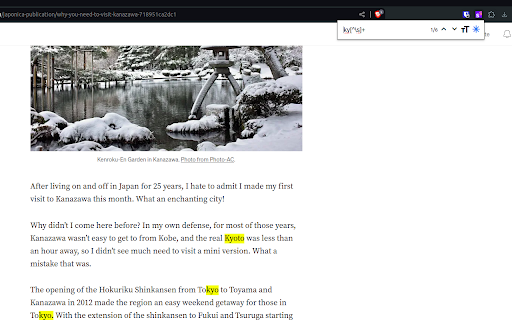
This plugin enables you to fulltext-supersearch all your tabs. Find more on https://gitlab.com/Schuemann/chrome-supersearch
This plugin enables you to fulltext-supersearch all tabs in chrome.
Open the extension with shortkeys:
windows: Alt+Shift+F
mac: Command+Shift+F
chromeos: Alt+Shift+F
linux: Alt+Shift+F
Start typing and see the first 3 results from each tab matching your search. Select your result by mouse, tab-key or arrow-keys to jump to the tab.
Find more information on https://gitlab.com/Schuemann/chrome-supersearch.
Supersearch web extension integrated with the OffiDocs Chromium online


