

TOEIC keyword highlighter in Chrome with OffiDocs

Ad
DESCRIPTION
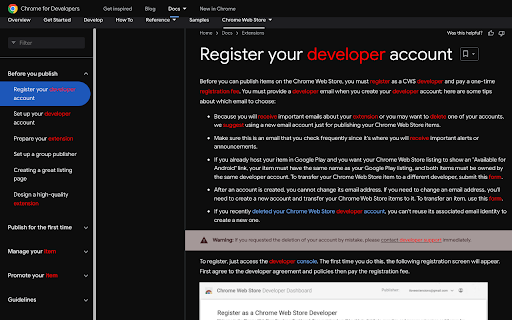
能夠在當前網頁上將 TOEIC 重要單字透過紅色標示出來,方便閱讀英文時學習和記憶。
使用方式:
1. 安裝後,點選擴充功能 icon, 並找到 TOEIC keyword highlighter。
2. 在要使用 TOEIC 重要單字高亮顯示效果的當前頁面,按下 extensions icon 即可套用效果。
歡迎提供詞庫或詞彙有助於持續優化。
授權說明:
本應用程式單詞來源經過以下網站擁有者同意使用:
https://www.pass-the-toeic-test.com/toeic-word-list.php
TOEIC keyword highlighter web extension integrated with the OffiDocs Chromium online


