

Expensify Downloader in Chrome with OffiDocs

Ad
DESCRIPTION
Go to Chrome Settings (chrome://settings), section "Advanced" => "Downloads", specify Download directory and disable option "Ask where to save each file before downloading" to avoid popups for each file.
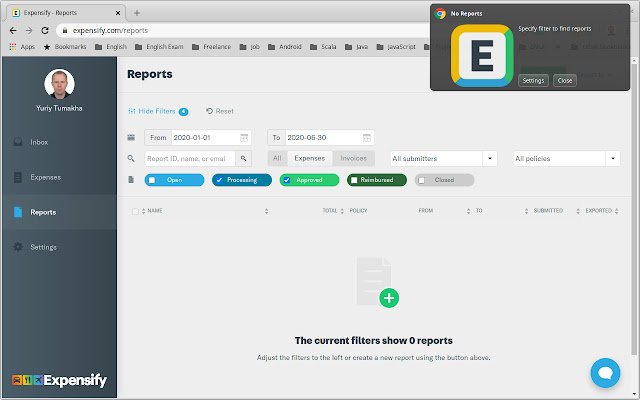
Go to https://www.
expensify.
com/reports specify the filter to select reports then click on extension icon on top right corner.
It will start downloading all reports selected by the filter.
Additional Information:
- Offered by Yuriy Tumakha
- Average rating : 5 stars (loved it)
- Developer This email address is being protected from spambots. You need JavaScript enabled to view it.
Expensify Downloader web extension integrated with the OffiDocs Chromium online


