

Not Interested! in Chrome with OffiDocs

Ad
DESCRIPTION
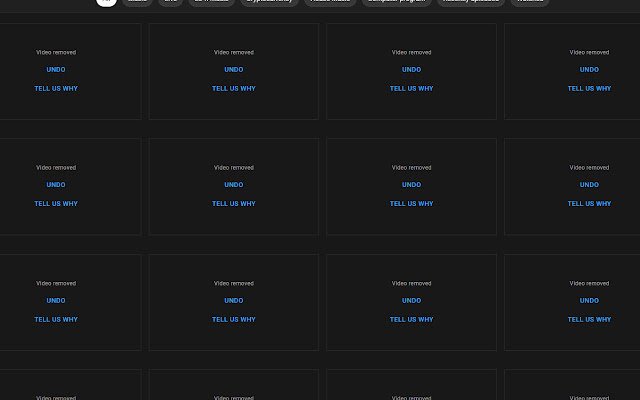
Simply hover over a video thumbnail and press the hotkey to mark the video as not interested.
Default hotkey ALT+Q.
Don't forget that you can change extension hotkeys at the following webpage: chrome://extensions/shortcuts Currently only works in English.
Additional Information:
- Offered by notinterested.makestuffstudio.com.au
- Average rating : 4.5 stars (loved it)
- Developer This email address is being protected from spambots. You need JavaScript enabled to view it.
Not Interested! web extension integrated with the OffiDocs Chromium online


