

IPBurger Proxy VPN in Chrome with OffiDocs

Ad
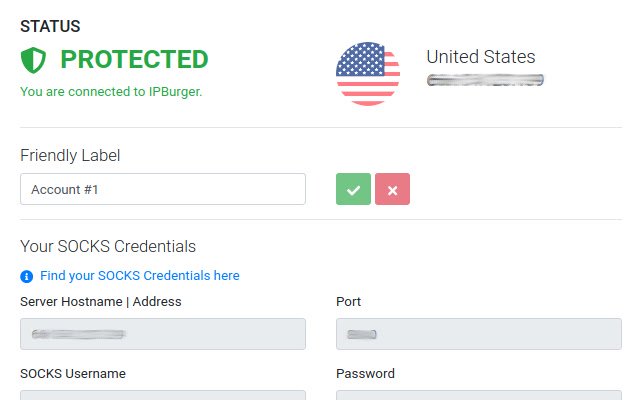
DESCRIPTION
✔️ Protect IP Address Use IPBurger's IP Address instead, even hide your IPv6. ✔️ Kill Switch Blocks Internet when connection drops.
✔️ Auto-Connect Stay connected from the moment you start browsing.
✔️ Protect WebRTC Disables WebRTC and prevents any leaks.
✔️ Spoof Timezone Automatically match your browser's Timezone with the location of assigned IP Address, hiding your original one.
✔️ Spoof Language Automatically match your browser's language headers with the country of assigned IP Address, hiding your original one.
✔️ Spoof GPS Automatically match your browser's GPS Coordinates with the country of assigned IP Address, hiding your original one.
✔️ No Software Use just the extension.
Know More at IPBurger.
com
Additional Information:
- Offered by ipburger.com
- Average rating : 3.55 stars (liked it)
- Developer This email address is being protected from spambots. You need JavaScript enabled to view it.
IPBurger Proxy VPN web extension integrated with the OffiDocs Chromium online


