

Zendesk Garden Inspect in Chrome with OffiDocs

Ad
DESCRIPTION
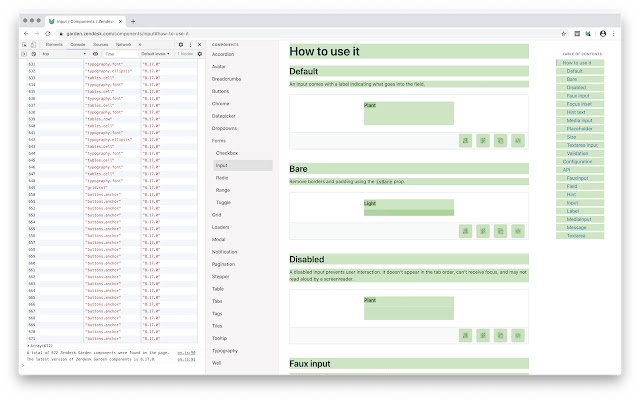
Click the extension icon – or press Ctrl+Shift+G – to toggle Garden Inspect.
Features include: • Color highlighting indicating Garden component freshness ○ Green = up-to-date ○ Yellow = time to update ○ Red = out-of-date • Dashed outlines to indicate Garden container usage • Overlay tooltips with component information • Console logging with component IDs and versions
Additional Information:
- Offered by garden.zendesk.com
- Average rating : 5 stars (loved it)
- Developer This email address is being protected from spambots. You need JavaScript enabled to view it.
Zendesk Garden Inspect web extension integrated with the OffiDocs Chromium online


