

Clipboard with URL in Chrome with OffiDocs

Ad
DESCRIPTION
Capture the screen with Alt + C and copy it to the clipboard with a URL
Copy to clipboard with url
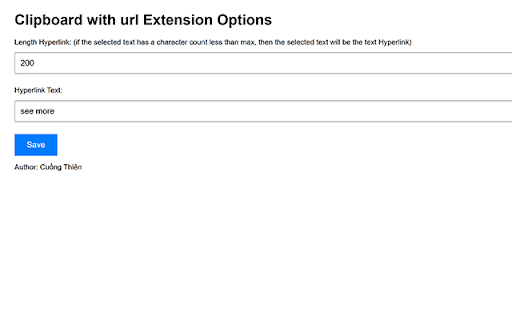
1. selected text < 200 (option) char. Press Alt C -> Clipboard is hyperlink text selected with url
2. selected text > 200 char or have image. Press Alt C -> Clipboard is text selected and hyperlink "read more"(option) with url
3. Not selected. Press Alt C -> Clipboard is screen capture and hyperlink "read more" with url
4. Press Alt V -> Clipboard is hyperlink "read more" with url
case 2, 3 not work with notion
Clipboard with URL web extension integrated with the OffiDocs Chromium online


