

Open Specific Time in Chrome with OffiDocs
Ad
DESCRIPTION
Opens a specific webpage at a specific time
Description:
Open Specific Time is a handy Chrome extension that allows you to schedule a specific webpage to open at a precise time. Whether you need to join an online meeting, catch a flash sale, or access any time-sensitive web content, this extension ensures that you never miss a critical moment.
Features:
Scheduled Page Opening: Set a URL and a specific time (down to the millisecond) for the page to open automatically.
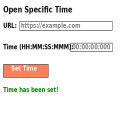
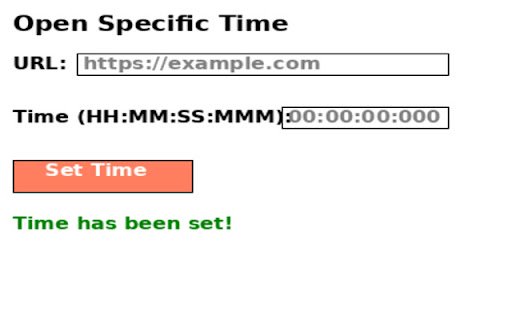
Simple Interface: Easy-to-use interface where you can input the URL and the desired time in the format HH:MM:SS
.
Visual Confirmation: Get a visual confirmation once your time is set, ensuring you are all set for the scheduled page opening.
Persistent Storage: Your URL and time settings are saved and retrieved automatically, so you don't need to re-enter them each time you open the extension.
Customizable Appearance: Clean and modern design with a full white background and black text for clear visibility.
Never miss an important event or update with Open Specific Time. Set it, and forget it!
Open Specific Time web extension integrated with the OffiDocs Chromium online


