

Garminbadges Updater in Chrome with OffiDocs

Ad
DESCRIPTION
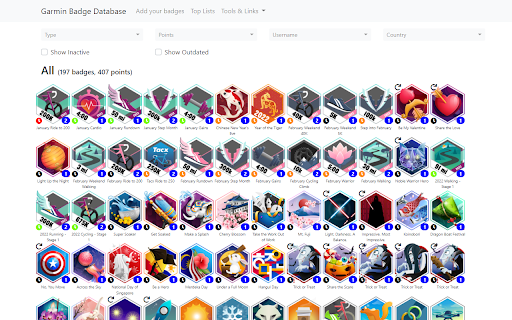
Updates the Garmin Badge Database with your data from Garmin Connect!
Garminbadges Updater updates Garmin Badge Database (https://garminbadges.com) with your badge and challenge data from Garmin Connect.
1. Install the extension
2. Enter username and email address for your garminbadges.com account
3. Browse to Garmin Connect (https://connect.garmin.com) and login
4. Click the extension to display the Update button
5. Click the Update button and wait until you get the message that the update is finished
Every time you got updated badge or challenge data you just press the Update button and Garmin Badge Database will be updated with your latest data.
Garminbadges Updater web extension integrated with the OffiDocs Chromium online


