

JetBrains Toolbox Extension in Chrome with OffiDocs

Ad
DESCRIPTION
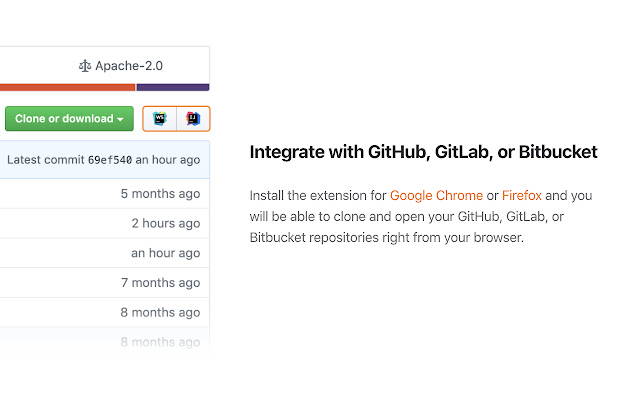
The extension adds buttons that allow you to clone and open projects from GitHub, GitLab, and Bitbucket in IntelliJ-based IDEs.
Note: The Toolbox App must be installed on your computer to make the extension work.
Download the Toolbox App from https://www.
jetbrains.
com/toolbox-app.
To open the projects from self-hosted GitHub, GitLab, and Bitbucket instances, make sure to enable the extension for your website by ticking “Enable on this domain� in the extension settings menu.
If you encounter any problem using the extension, please create an issue request at our tracker: https://youtrack.
jetbrains.
com/issues/TBX Would you like to collaborate on the extension? Because you can! It's an open-source project.
Here is the repository address: https://github.
com/JetBrains/toolbox-browser-extension
Additional Information:
- Offered by JetBrains
- Average rating : 3.94 stars (liked it)
- Developer This email address is being protected from spambots. You need JavaScript enabled to view it.
JetBrains Toolbox Extension web extension integrated with the OffiDocs Chromium online


