

Tint Timer in Chrome with OffiDocs

Ad
DESCRIPTION
~*~{ TINT TIMER}~*~ Tint Timer is a completely new way of time management, based in color psychology and a philosophy of non-intrusiveness.
(suggestions? bugs? email us at tint.
timer@gmail.
com) _____________________ COMING SOON: -set custom opacity -color picker UI -reusable sessions _____________________ The initial inspiration for our extension came from the Pomodoro Study Method, which breaks study sessions into 25 minute intervals with 5 minute breaks in between.
Our extension takes the Pomodoro method to a new level, providing unprecedented flexibility and unobtrusiveness through our innovative color tint.
This allows you to plan out your day without having to check a task list or timer constantly.
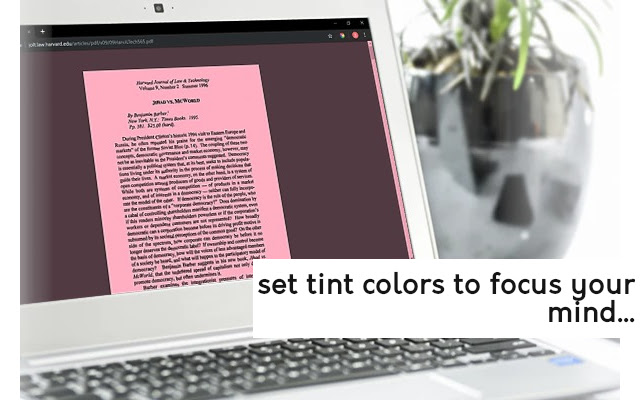
The color tint on the screen serves as an active reminder to focus on the current task, but also psychologically influences the user to focus.
*Writing a long argumentative essay? Choose a deep red shade to help you get in the zone.
*Trying to get creative? It might be cliche, but studies have shown that shades of blue can help inspire you.
HOW TO USE: 1. Enter Session Name 2. Enter Session Time 3. Choose Session Color 4. Add Session to Session List 5. Repeat Steps 1-4 as many times as you want 6. Hit Start Button :-) Use CTRL+SPACE to bring up an overlay of the current task tint.
timer@gmail // github.
com/nwapw-tint/Timing-Extension
Additional Information:
- Offered by Tint Timer Devteam
- Average rating : 4.63 stars (loved it)
- Developer This email address is being protected from spambots. You need JavaScript enabled to view it.
Tint Timer web extension integrated with the OffiDocs Chromium online


