

Stay Awake Extension in Chrome with OffiDocs

Ad
DESCRIPTION
Use this extension to keep your device awake without interruptions while working, reading, or streaming.
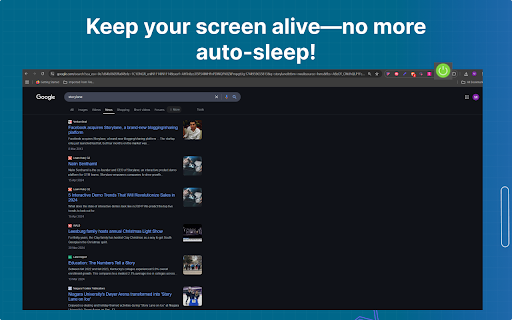
Tired of your screen going dark while working or watching something important? The Stay Awake Extension is a simple tool that keeps your display awake with just one click. Whether you're reading, streaming, or attending meetings, it prevents unwanted screen timeouts. A green icon means your display stays on, and red means it’s off. Perfect for anyone looking to stay focused without interruptions.
Key Features
Prevents Sleep: Keeps your screen awake during work or streaming.
One-Click Use: Toggle on/off instantly.
Offline Support: Works without internet.
Lightweight: Uses minimal system resources.
How to Use in Simple Steps
Install the Stay Awake chrome Extension from the Chrome Web Store.
Click the Extension Icon in your browser toolbar to open it.
Check the Color Indicator:
If the icon turns green, it means the display will stay awake and won't turn off.
If the icon turns red, it means the extension is off, and your display may go to sleep as per usual settings.
Toggle the Extension on or off anytime by clicking the icon again, depending on whether you want the screen to stay awake or follow your system’s power settings.
Why It Is Useful
The Stay Awake Extension helps you stay focused by preventing your screen from dimming or locking. No need to adjust settings or keep moving your mouse—just click and work without interruptions.
To Whom It Is Useful
Perfect for students, remote workers, streamers, and readers—anyone who needs their screen to stay on during long tasks like studying, coding, or watching videos.
Stay Awake Extension web extension integrated with the OffiDocs Chromium online


