

Trello Checklist Collapser in Chrome with OffiDocs

Ad
DESCRIPTION
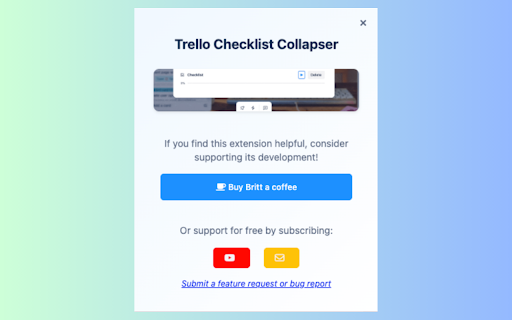
Collapse checklists inside Trello cards
✅ Streamline your Trello cards by collapsing and expanding checklists. Save space and focus on what matters with one-click Trello checklist management.
Key Features:
• Collapse individual checklists with a single click
• "Collapse All" button to minimize all checklists at once (or Expand All)
• Automatic state saving - checklists stay collapsed between sessions
• Clean, modern design that matches Trello's interface
• Works instantly with no configuration needed
• Syncs across all your Chrome devices
Perfect for:
• Project managers handling cards with multiple checklists
• Teams working with complex task breakdowns
• Anyone who wants a cleaner, more organized Trello workspace
Simply install the extension and refresh your Trello board. You'll see collapse/expand buttons (▼/▶) next to each checklist title, plus a "Collapse All" button at the top of your checklists.
Free, lightweight, and respects your privacy - no data collection or external services used.
Made with ♥ for the Trello community by Trello's number one fan, Brittany Joiner!


