

Fullscreen Magic in Chrome with OffiDocs

Ad
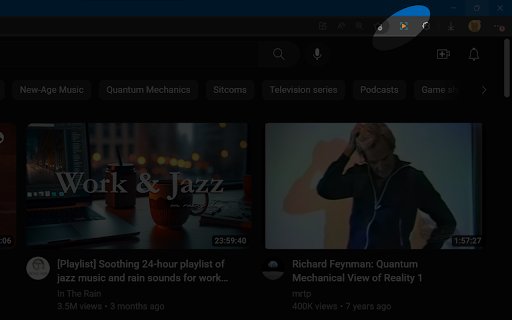
DESCRIPTION
Automagically finds a video, game, frame, or other embedded content in a webpage and makes it full screen with a single click
# Fullscreen Magic
Fullscreen Magic will automatically find the most relevant element of a webpage and show it to you in a full screen. Fully enjoy videos, games, pdfs, and other embedded content with just one click. No more distractions, no more zooming in and out, no more hassle. Just pure magic.
## Features
- Works for videos (YouTube, Facebook, Twitter, etc.), iframes, simple online games, canvas elements, PDF viewers and other embedded content
- Detects the element of interest automatically and shows it in full screen mode
- Supports keyboard shortcuts and mouse gestures for easy navigation
- Compatible with Chrome, Firefox and Edge browsers
## Usage
To use Fullscreen Magic, follow these steps:
- Visit any webpage that contains an element you want to view in full screen mode
- Click on the Fullscreen Magic icon in the toolbar
- Enjoy the full screen experience
- To exit full screen mode, press F11 or Esc on your keyboard
## Source Code and License
Fullscreen Magic is open sourced and licensed under the MIT License.
See https://github.com/arikw/fullscreen-magic-extension/
Fullscreen Magic web extension integrated with the OffiDocs Chromium online


