

Nav to github issue in Chrome with OffiDocs

Ad
DESCRIPTION
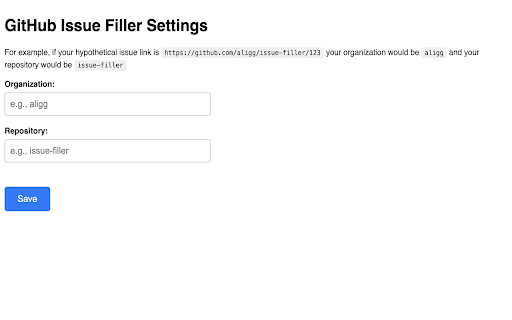
Quickly jump to GitHub issues by typing 'i <issue_number>'. Set up your github organization and repo name in options first.
Install this extension to more quickly navigate to Github issues. Type in i + space then your issue number.
Make sure to set up your Github organization and repo name in the extension options to get started. You can access extension options in Chrome by clicking on the extension icon in the browser, clicking on the kebob menu to expand options for the nav to github issue extension, then clicking on options.
Nav to github issue web extension integrated with the OffiDocs Chromium online


