

Performance Event Flow in Chrome with OffiDocs

Ad
DESCRIPTION
Browser extension to display Page performance and custom events from the page
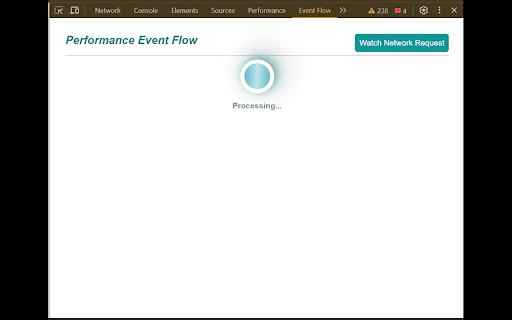
Performance Event flow is a chrome extension to display some of the Page related events like when Page navigation started and when Page loaded completed in one flow diagram (by default).
By default this extension will cover below page related events.
1. Page Navigation Starts
2. First element visible on the page
3. Page became Interactive
4. Page Load complete
You can also add custom event from your code, if you want to understand performance for some part of the code by pushing event as explained below.
Place below code whenever you want to track event.
window.__performanceEventFlow=window.__performanceEventFlow || [];
window.__performanceEventFlow.push({event:"<pass event title here>",time:new Date().getTime()});
You can also watch network request after adding the URL details by clicking on 'Watch Network Request'
Performance Event Flow web extension integrated with the OffiDocs Chromium online


