

FindNiche AliExpress™ Data Exporter in Chrome with OffiDocs

Ad
DESCRIPTION
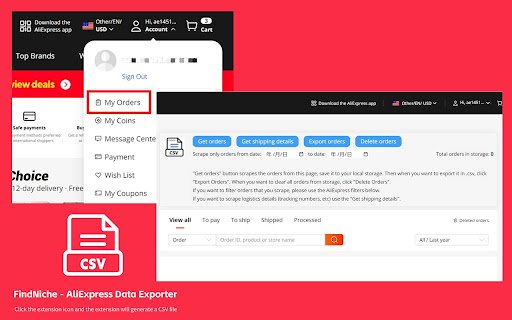
Export data from AliExpress™ to .csv file.
Easily export detailed product and order information from AliExpress directly to a CSV file. Extract valuable data such as product images, titles, prices, shipping costs, and category names with a few clicks
How It Works
● Install the Extension: Add the FindNiche - AliExpress Data Exporter to your Chrome browser.
● Navigate to AliExpress: Go to AliExpress.com and browse the products or your order list.
● Export data: Click the extension icon and the extension will generate a CSV file
FindNiche AliExpress™ Data Exporter web extension integrated with the OffiDocs Chromium online


