

Speak in Chrome with OffiDocs

Ad
DESCRIPTION
Extension to speak selected text
Speak app converts text into speech. Select text > Speak
Speak app converts text into speech on any websites. Select words or paragraphs and then just listen. Useful and convenient
How to use:
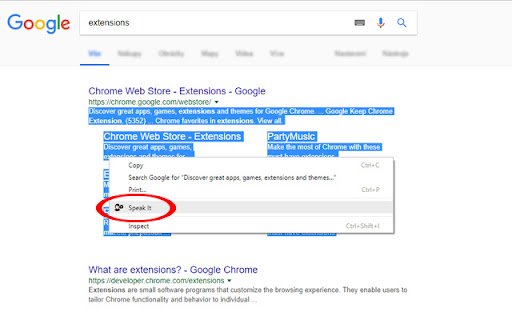
1) select words or paragraphs
2) right click on this text
3) click Speak to confirm in the context menu
Speak web extension integrated with the OffiDocs Chromium online


