

Backburner: Bookmark with a screenshot in Chrome with OffiDocs

Ad
DESCRIPTION
Bookmarking the part of a webpage that you need with a screenshot.
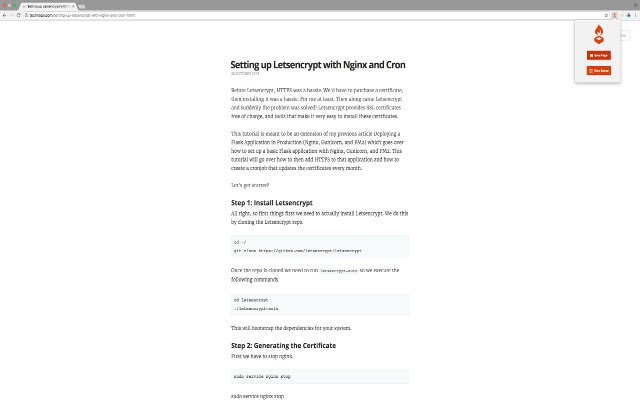
Simply click the burner icon then click "Save Page" and instantly a screenshot will be saved of your current tab along with the link and title of the tab.
Features: - Save screenshot, title, and URL of current active tab - View information as a list in a web page - Open new tab to saved links - Delete saved links
Additional Information:
- Offered by Technopy
- Average rating : 4 stars (liked it)
Backburner: Bookmark with a screenshot web extension integrated with the OffiDocs Chromium online


