

Anki Web Audio Auto Play in Chrome with OffiDocs

Ad
DESCRIPTION
Auto play audio when studying on AnkiWeb
A google chrome extension to autoplay audio when studying flashcards on AnkiWeb.
Installation is all that is needed for the extension to start working. The extension will autoplay audio that is present on the front and the back of the card automatically. The extension starts with the first audio file and ends with the last.
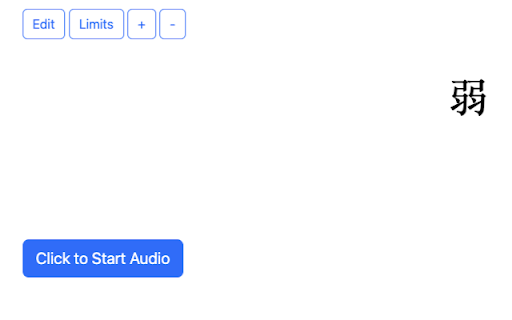
** Note: If you have an audio file on the front of the card, for the first card of a deck you will need to click the "Click to Start Audio" button to start the audio. The subsequent cards will play the audio automatically.
If an error occurs while playing audio, the same "Click to Start Audio" button will appear on the screen for you to restart playing the audio from the last errored audio file.
Anki Web Audio Auto Play web extension integrated with the OffiDocs Chromium online


