

Gmail automatic BCC me by 010Pixel in Chrome with OffiDocs

Ad
DESCRIPTION
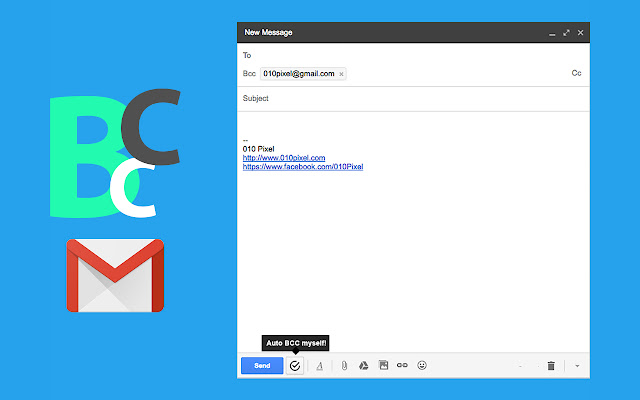
A very simple plugin to enable you to automatically BCC yourself in creating new email, replying and forwarding email.
There is a button in enable/disable the feature in gmail itself.
How to: - Click on "Compose" or "Reply" or "Reply all" or "Forward" button and you will automatically be BCCed - To disable or renable this feature, just uncheck the checkbox at the bottom of the compose text popup.
Additional Information:
- Offered by 010pixel
- Average rating : 5 stars (loved it)
- Developer This email address is being protected from spambots. You need JavaScript enabled to view it.
Gmail automatic BCC me by 010Pixel web extension integrated with the OffiDocs Chromium online


![Ice Snow Wallpaper New Tab Theme [Install] in Chrome with OffiDocs](/imageswebp/60_60_icesnowwallpapernewtabtheme[install].jpg.webp)


