

Google Photos Bulk Delete in Chrome with OffiDocs

Ad
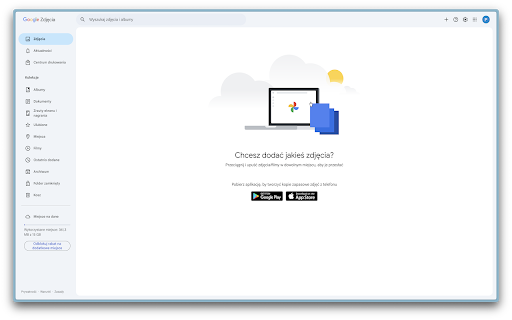
DESCRIPTION
Bulk delete all photos in Google Photos with ease.
Yo!
This extension helps you bulk-select and delete your Google Photos, no image count limits, no paywalls, just simple cleanup.
I built it while learning how to make Chrome extensions . I was running out of space after canceling my Google One plan and didn’t want to pay again, so I made a tool to help clear things out faster.
How it works you ask:
Just open Google Photos, click the extension icon, and it’ll select all visible photos. Then you decide whether to click the trash icon. That way, you’re still in control in case you change your mind.
‼️ Don’t forget to export a backup before deleting, memories matter! ‼️
Hope it helps you too


