

Darkly in Chrome with OffiDocs

Ad
DESCRIPTION
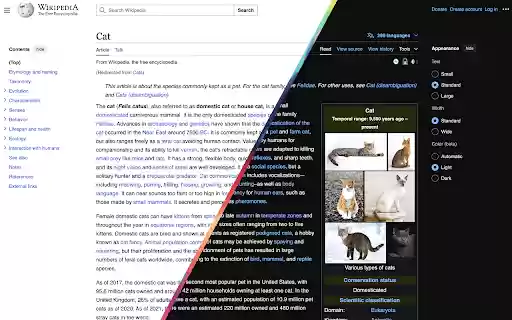
A dark theme for all websites
Simply press Control + Shift + L (or Command + Shift + L) to toggle between dark mode and light mode. Can remember it as "L" for turning off and on the "Light".
Darkly web extension integrated with the OffiDocs Chromium online


