

Get Page Images in Chrome with OffiDocs

Ad
DESCRIPTION
Grabs all images on a page and allows you to download any you choose.
This extension will grab all images (in the html), open a new tab to display all of the images, and allow you to click and download whichever images you choose.
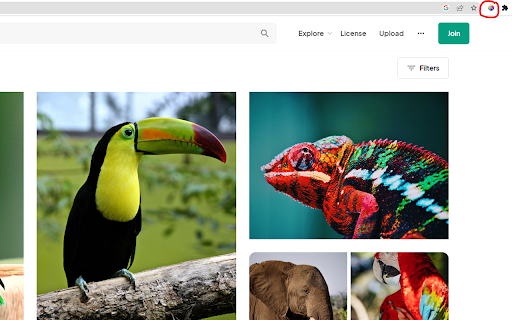
To run the extension, simply click the icon in the extensions bar and it will run.
Have any issues? Want to add new features? Checkout the GitHub here - https://github.com/ghughes13/get-page-images
===============
===Changelog===
===============
===1.2.0===
-Fixed bug preventing SVG downloads
-Added dark mode to make white SVGs more easily visible.
===1.1.0===
-Now collects css background images for download as well
-No longer displays tracking pixels (1x1 pixel) in the downloadable image set.
-Resolves issue where cross origin images could not be downloaded correctly.
-Small style adjustments.
===1.0.0===
-Created basic working version of the extension
Get Page Images web extension integrated with the OffiDocs Chromium online


