

Jacks ChatGPT in Chrome with OffiDocs

Ad
DESCRIPTION
Rapid and Private AI chat assistant
Rapid and Private AI chat assistant Plugin
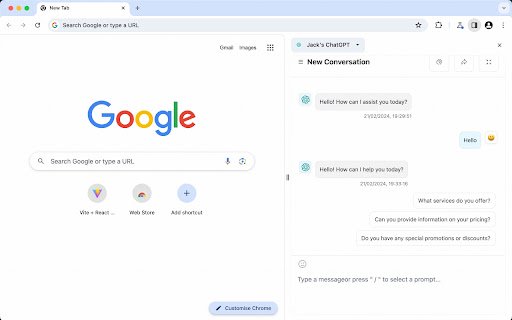
You can use it directly from the sidebar by clicking the plugin icon.
If the plugin does not activate when you click the icon, you can manually enable it as follows:
1. Click the sidebar button in the menu bar (next to the avatar).
2. In the panel that opens, click the dropdown menu in the top left corner and select “Jack’s ChatGPT.”
Official website: https://chat-two.emmmm.dev?source=extension_store
Jacks ChatGPT web extension integrated with the OffiDocs Chromium online


