

Tyoms DevTools Theme in Chrome with OffiDocs

Ad
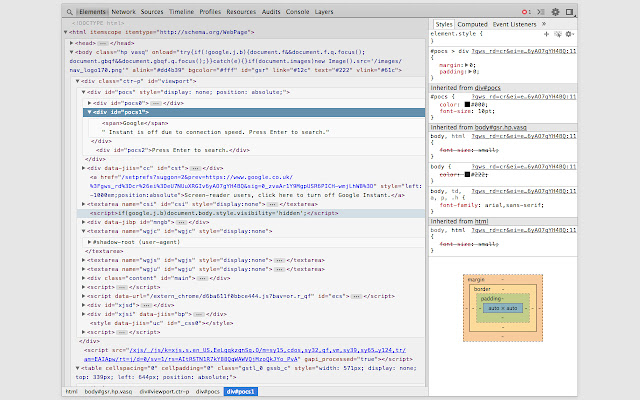
DESCRIPTION
Chrome Developer Tools theme for elements panel (Chrome 33 and above).
To enable: 1. Go to 'about:flags' and enable "DevTools experiments"; 2. Install extension; 3. Open DevTools > Settings > Experiments and toggle "Allow custom UI themes" option.
Additional Information:
- Offered by Tyom Semonov
- Average rating : 5 stars (loved it)
Tyoms DevTools Theme web extension integrated with the OffiDocs Chromium online


