

SnapNest Screenshot Extension in Chrome with OffiDocs

Ad
DESCRIPTION
Capture, annotate, and upload screenshots to your SnapNest account
SnapNest Screenshot Extension - The Most Powerful Screenshot Tool
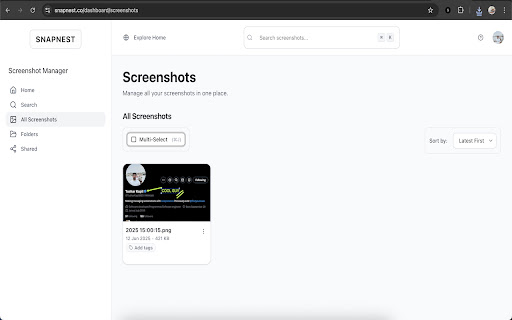
Capture, annotate, and organise screenshots with professional-grade tools. Seamlessly integrates with your SnapNest account for screenshot management.
KEY FEATURES:
• Instant capture with Cmd+K/Ctrl+K shortcuts
• Professional annotation tools (arrows, text, drawing)
• High-DPI support for pixel-perfect quality
• Automatic SnapNest account integration
• Dual save: Downloads to your computer AND uploads to SnapNest account
WORKS EVERYWHERE: Compatible with all websites and web applications. Take screenshots of anything you see in your browser.
SIMPLE WORKFLOW: Press shortcut → Select area → Annotate → Save to cloud. Your complete screenshot solution in seconds.
Requires free SnapNest account at snapnest.co
SnapNest Screenshot Extension web extension integrated with the OffiDocs Chromium online


