

AI Smart Assistant in Chrome with OffiDocs

Ad
DESCRIPTION
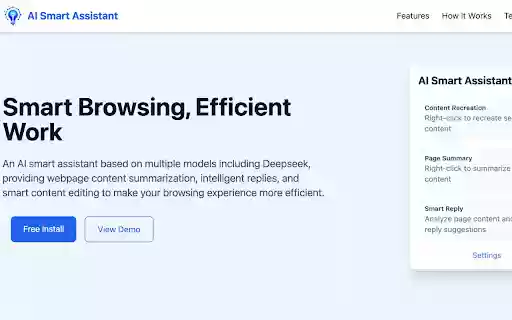
AI smart assistant based on multiple models, providing web content summary, smart reply and smart copywriting functions
AI smart assistant based on multiple models, providing web content summary, smart reply and smart copywriting functions
AI Smart Assistant is a browser extension based on multiple AI big models, supporting models such as Deepseek, SiliconFlow and Groq, providing you with the following functions:
1. Web page content summary: summarize the main points of the current web page or selected content with one click
2. Smart reply: analyze web page content and automatically generate appropriate reply suggestions
3. Smart secondary creation: optimize and rewrite the selected content
Features:
- Support multiple AI big models, which can be switched freely
- Simple and intuitive user interface
- Right-click menu to quickly access core functions
- Automatically detect pages that can be replied
- Support Chinese interface
How to use:
1. After installing the extension, click the extension icon to enter the main interface
2. Configure your API key on the settings page
3. Select text on any web page and right-click to use the AI function
4. Or click the extension icon to use the full page function
Note: You need to provide your own API key to use this extension
AI Smart Assistant web extension integrated with the OffiDocs Chromium online


