

Meet Volume Control in Chrome with OffiDocs

Ad
DESCRIPTION
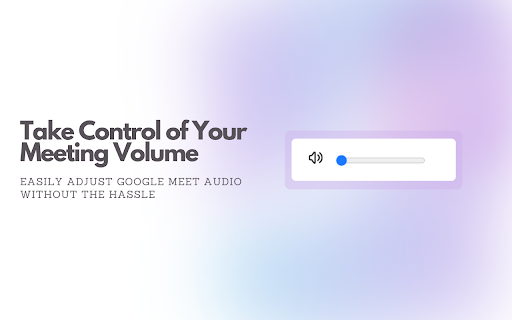
Easily adjust the volume of your meetings with a simple slider without affecting your device.
Google Meet volume control
Easily adjust the volume of your Google Meet meetings with a simple slider control.
This extension allows you to manage the audio levels of your Google Meet calls on the client side. Control the volume of all your meetings directly from your browser without affecting your device's overall sound settings.
Key features:
- Adjust the volume of Google Meet meetings in real time.
- Intuitive slider control for quick and easy audio management.
- Client-side control: Customize your audio experience without affecting other participants.
- Perfect for multiple meetings.
- Just click the extension icon while on a Google Meet call to easily adjust the volume.
Take control of your audio in Google Meet with this handy volume control tool.
Meet Volume Control web extension integrated with the OffiDocs Chromium online


