

Cursor Translate in Chrome with OffiDocs

Ad
DESCRIPTION
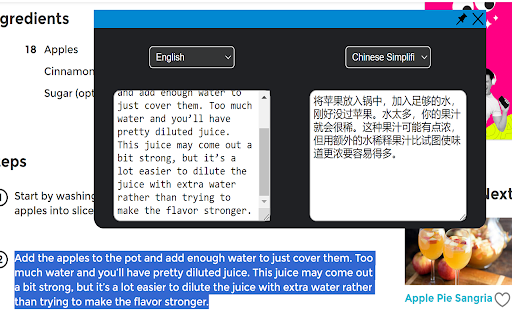
Translate highlighted text using the cursor.
A translation tool that is easy to use. Press ctrl+q to open the translation window. You can type in the window and press enter to translate.
Cursor Translate web extension integrated with the OffiDocs Chromium online


