

Email Variations in Chrome with OffiDocs

Ad
DESCRIPTION
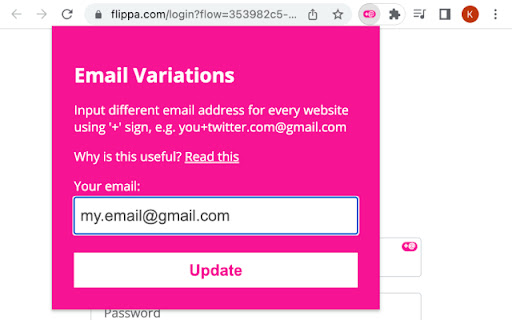
Input different email address for every website using the '+' sign, e.g. This email address is being protected from spambots. You need JavaScript enabled to view it.
Input different email address for every website using the '+' sign, e.g. This email address is being protected from spambots. You need JavaScript enabled to view it..
This extension enhances your email input fields by adding a button that generates unique email addresses specific to the domain you are currently on.
Why use it?
Easy Identification of Senders: By using different aliases for different purposes, you can identify the source of incoming emails and find out who leaked your email address.
Address Filtering and Spam Control: Email aliases make it easier to filter incoming emails and prevent spam. You can set up specific filters based on the alias used, allowing you to direct emails to specific folders or discard unwanted messages.
Email Variations web extension integrated with the OffiDocs Chromium online


