

Snapshot for Math in Chrome with OffiDocs

Ad
DESCRIPTION
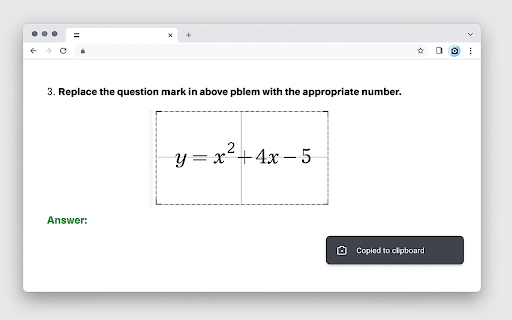
Drag a rectangle to copy the selected area to the clipboard as a PNG image.
Snapshot for Math is a deceptively simple browser extension that eliminates the friction between spotting a great piece of mathematical content online and sharing, saving, or pasting it exactly where you need it. With a single click or a quick keyboard shortcut, you draw a rectangle around any region of your current tab—textbook equations in a PDF, a dynamic Desmos graph, a LaTeX render in Overleaf, or a white-board scribble in a video lecture. The extension immediately grabs a pixel-perfect capture at native resolution, copies it directly to your clipboard as a lightweight PNG, and confirms success with a subtle toast notification. No files litter your download folder, no extra cropping tools are required, and no data ever leaves your machine.
Save minutes, not images. Traditional screen-clipping utilities force you to save a file, hunt for it in your filesystem, then drag-and-drop it into chat, email, or Slack. Snapshot for Math skips all intermediate steps. Copy-to-clipboard is instantaneous, so you can paste the result straight into Google Docs, Notion, OneNote, or any Markdown editor in under a second. Over the course of a semester—or an R&D sprint—that time gain is enormous.
2. Designed for precision. Mathematical notation is dense; cropping even a few pixels too wide can blur symbols or include unwanted UI chrome. Snapshot for Math honors the device-pixel ratio and offsets exactly, ensuring that what you select is what you get. The extension even remembers your last capture area within a session, perfect for grabbing sequential frames in an animated proof or slide deck.
3. Privacy you can prove. Many academic institutions and corporate environments restrict third-party screenshot tools because they pipe imagery through remote servers for OCR or analytics. Snapshot for Math is 100 % offline.
Snapshot for Math web extension integrated with the OffiDocs Chromium online


