

Easy screenshot in Chrome with OffiDocs

Ad
DESCRIPTION
Take screenshot easy and fast, auto copy screenshot and save to history locally.
Fast, easy and informative screenshot tool.
☑️ Screenshot any area on screen (default: Alt + C)
☑️ Show color of cursor position and screenshot size, copy with RGB / Hex format (default: Secondary click AKA Right click)
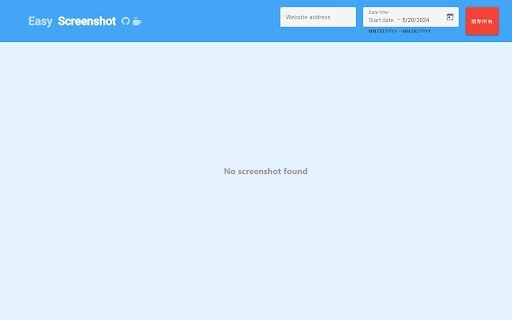
☑️ History record of all screenshots, can be filtered by website and date.
Objectives


