

Better ChatGPT Search in Chrome with OffiDocs

Ad
DESCRIPTION
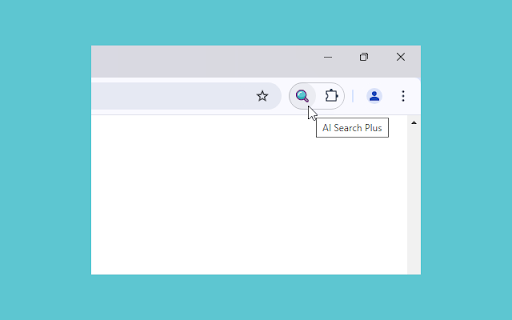
Use ChatGPT Search without changing your default search engine. Search using address bar and context menu.
Go to the address bar of Chrome and type "gpt" followed by space to activate the extension. Now, type your search query to search on ChatGPT Search.
For context menu option: Highlight any text snippet > right click on it > select extension's option in the appeared context menu.
Optionally enable temporary chat feature to not save search entries in your ChatGPT chat history.
Extension by BrowserNative. Not created by or affiliated with OpenAI.
Better ChatGPT Search web extension integrated with the OffiDocs Chromium online


