

Promptly for ChatGPT in Chrome with OffiDocs

Ad
DESCRIPTION
Create and reuse ChatGPT prompts
Benefits
Focus on generating quality responses instead of wasting time rewriting frequently used prompts.
Create, edit, and re-use prompts without searching through old chats or notes.
–––
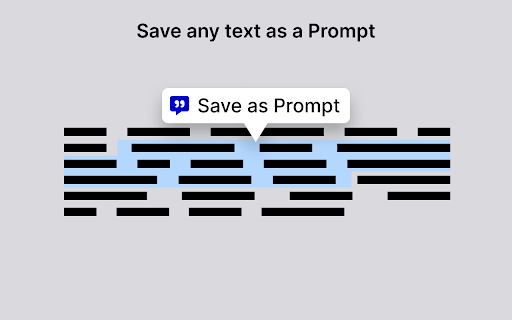
Right-click any selected text — up to 10,000 characters — in your browser and click `Save as Prompt` OR click `Create` button to start from scratch.
Click on your prompt to insert it into Chat GPT
Export all your prompts as a JSON file for easy backup and sharing.
Promptly for ChatGPT web extension integrated with the OffiDocs Chromium online


