

YourLinx in Chrome with OffiDocs

Ad
DESCRIPTION
Quickly access any page that is relevant to you.
After installing YourLinx, you can name any web page with a name that is memorable to you!
For example, if you access a customer management spreadsheet every week, you can call it "customers".
From that moment on, whenever you want to access the spreadsheet, just type "l" in the address bar, press space (you'll see "YourLinx" in the bar), type "customers" (without quotes), and press "Enter".
That's it.
YourLinx will take you to the spreadsheet.
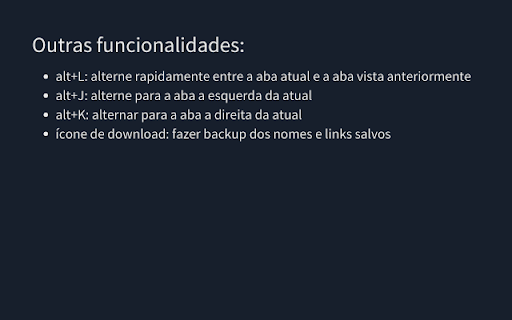
In addition to this functionality, YourLinx has several others, designed to make
your life easier when using the browser.
See the complete and updated list on the website.
YourLinx web extension integrated with the OffiDocs Chromium online


