

Vibrant Color Dropper Tools in Chrome with OffiDocs

Ad
DESCRIPTION
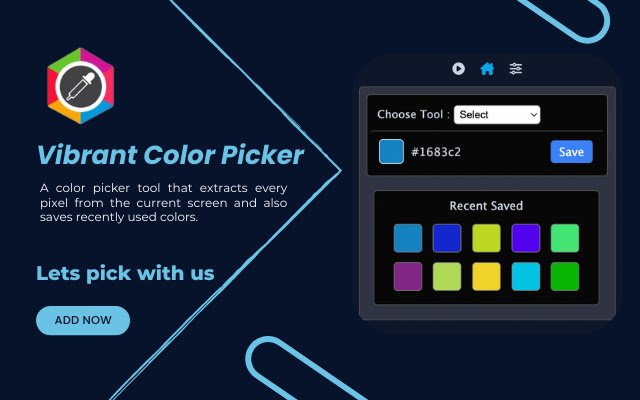
Features: ➡️ This extension extracts colors from the current screen.
➡️ This extension has two main features i) Eye Dropper and ii) Color Selector.
➡️ Eye dropper to select any color from the current window and Color Selector to make possible combinations of RGB and form a required color.
➡️ Users can save up to 50 recent colors and copy color hex code by clicking it.
➡️ Eye dropper of this extension is powerful enough to extract color from all sites.
It also works on new tab pages, chrome settings pages, and the chrome web store.
➡️ Click on the color boxes in a recent colors section to copy the hex value to the clipboard.
➡️ This extension also provides extra tools like a color grader, color namer , color mixer, and color code converter.
➡️ A user-friendly and simple interface, just click on the color box or clickable hex code to copy hex value.
Shortcut Key: ☑️ For Windows, Linux Press "Ctrl+Shift+9".
☑️ For MacBook "Command+Shift+9".
to activate the color picker function.


![Among Us on PC Laptop [New Tab Theme] in Chrome with OffiDocs](/imageswebp/60_60_amongusonpclaptop[newtabtheme].jpg.webp)


