

Reply Assist AI in Chrome with OffiDocs

Ad
DESCRIPTION
Reply to emails in professional manner or any tone you would like with the help of AI
Features:
- Free to use
- Instant Professional replies
- Advanced Gmail Integration
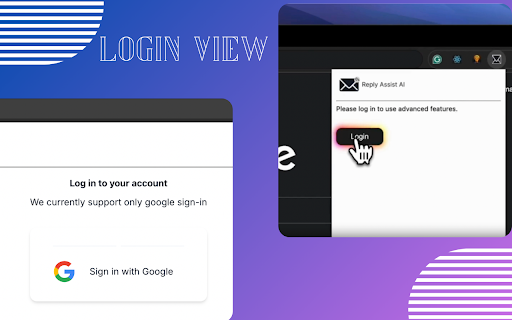
- Supports Google Login
- Supports Google's Gemini AI
- Unlimited access by adding own API key
- Check Token count
- Private and secure
More features coming soon!
Steps to use the extension
- Open Gmail
- Open any mail you want to send a reply
- Click the Reply Assist AI button
- Check Token Count - To check how much Input token would be used
- Generate Email Reply
- Read and Verify the Response
- Copy Response to Clipboard
- Paste the copied response in the reply section and send your reply
Reply Assist AI web extension integrated with the OffiDocs Chromium online


