

Selectlix in Chrome with OffiDocs

Ad
DESCRIPTION
Selectlix: Effortlessly Copy Netflix Subtitles for Language Learning
Selectlix is a lightweight yet powerful browser extension designed to enhance your Netflix experience, especially for language learners. With Selectlix, you can easily copy subtitles, making it an ideal tool for those studying languages with non-Latin scripts like Russian, Hindi, Korean, Chinese, Japanese, or similar.
Key Features:
✅ Copy Entire Subtitles in One Click
Instantly copy all subtitles on screen with a single mouse click.
✅ Selective Text Copying
Highlight and copy specific parts of any subtitle, just like regular text. Perfect for focusing on key phrases or words.
✅ Toggle Overlay Elements
Easily enable or disable overlay elements.
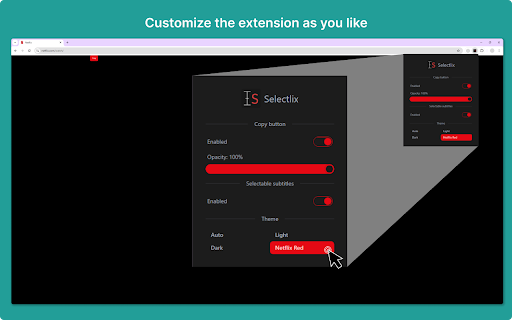
✅ Customize Appearance
Personalize the look and feel of overlay and popup elements to suit your preferences.


