

URL to Markdown in Chrome with OffiDocs

Ad
DESCRIPTION
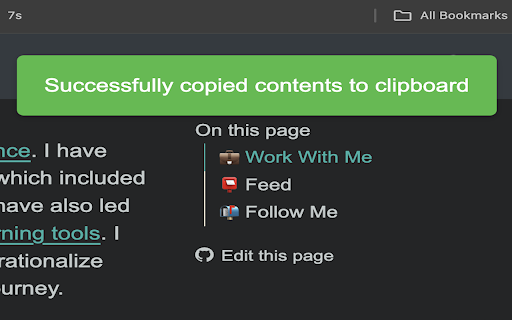
Get's contents of current URL as markdown and copies it to clipboard
Get markdown from any webpage with a single keyboard shortcut.
Usage
1. Open a webpage
2. Press Ctrl+Shift+O (or Cmd+Shift+O on macOS) to trigger the extension
3. The contents of the page will be converted to markdown and copied to your clipboard
Source code for this extension is here: https://github.com/AnswerDotAI/web2md-ext/
URL to Markdown web extension integrated with the OffiDocs Chromium online


